Summer Peaks and Checkout Queues: How Self-Order Kiosks Are Changing the Season for Bars, Restaurants and Tourist Venues
July and August are the months when every point of sale shows its limits. In tourist destinations, beach clubs, ice cream shops, fast food outlets and stadiums during summer events, the problem is always the same: more customers than the till can serve. And every customer who looks at the queue and walks away is lost revenue at the exact moment the business should be earning the most.
Seasonal staffing makes it harder: summer teams are stretched with first-time workers who, at peak pace, make more order mistakes and slow down service precisely when speed matters most.
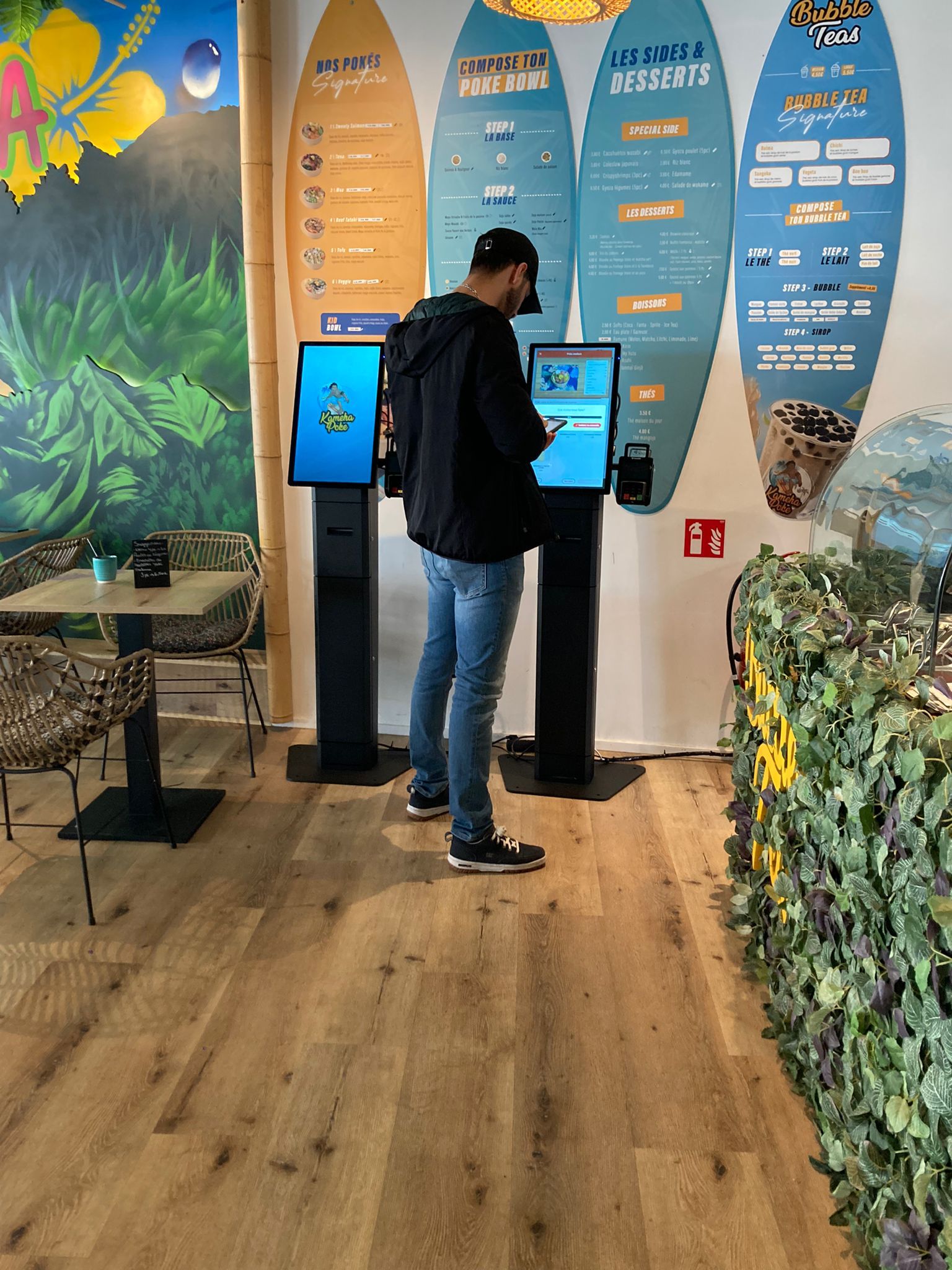
This is the scenario where self-order kiosks — freestanding totems and countertop units where customers order and pay on their own — have gone from tech curiosity to operational tool. Here is how they work, where they make sense, and what you need to get started.
The real problem isn’t the queue — it’s what the queue costs
A visible queue causes three kinds of damage at once. First, the customer who gives up before ordering — the walk-away, invisible in the end-of-day report because it leaves no trace. Second, the compressed ticket: under pressure, staff stop suggesting the dessert, the large drink, the extra scoop; they punch the order and move on. Third, mistakes: orders taken in a rush, wrong tickets to the kitchen, remakes at the very moment the kitchen is already at its limit.
A kiosk attacks all three: it adds order points without adding staff, it systematically suggests add-ons on every order (the upselling a stressed operator skips), and it eliminates transcription errors, because the order reaches the kitchen exactly as the customer built it.
What operators report
Large quick-service chains led the way, and the figures circulating in the industry match what we see in real projects: higher average tickets (customers at a kiosk, without a queue breathing down their neck, explore the menu and add more), shorter queues thanks to parallel order-taking, and staff redeployed from the till to preparation and service — where summer teams are actually needed.
There’s also a less-quoted benefit that matters enormously in tourist areas: the multilingual menu. A kiosk removes the language barrier at the moment of ordering — no more misunderstandings between seasonal staff and international customers at rush hour.
Where kiosks make sense (and where they don’t)
Self-ordering isn’t for everyone, and saying so clearly is in our interest as much as yours. It works best where you have a structured menu, peak crowds and fast service: fast food and fast casual, ice cream and yogurt shops, beach club bars, food courts, stadiums and arenas, canteens and self-service restaurants, hotels for breakfast and quick services.
It makes less sense where table service and the relationship with the waiter are the product: a fine-dining restaurant doesn’t need a totem — it needs a brigade.
Countertop or freestanding? Space and volume decide
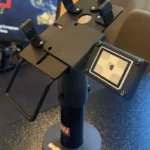
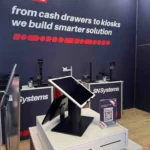
The most frequent question at project stage. A countertop kiosk (compact format, typically 15″) sits on the counter or on a dedicated stand: ideal for bars, ice cream shops and venues with limited space that want to add an order point without redesigning the layout. A freestanding totem (27″ or 32″) is the solution for fast food, food courts and high traffic: visible from a distance, accessible, with more screen area for rich menus and promotions.
For seasonal businesses we often recommend a modular setup: start with a countertop unit to validate the flow, then add the totem when volumes justify it — without wasting the initial investment.
What you actually need to start
Three components, in this order:
- Your POS software. The kiosk is the screen; the intelligence is your POS system. Check with your software vendor (or your reseller) that it supports self-order mode: most leading hospitality POS platforms now do.
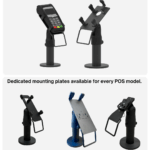
- Payments. A summer kiosk runs on contactless electronic payments: the payment terminal must be integrated into the structure, in an ergonomic and secure position.
- The right hardware. A metal structure built for intensive use (and, for outdoor or semi-outdoor installations, for heat and seaside salt air), an industrial-grade touch screen, an integrated receipt printer and provisions for scanners and peripherals.
With POS software already prepared, activation is measured in days — not months. Which means a seasonal business can still install a kiosk mid-season and pay it back over the peak months.
The checklist before you choose
- At peak times, how many customers walk away or wait more than 5 minutes to order?
- Does my POS software support self-order mode?
- Do I have room for a totem, or should I start with a countertop unit?
- Is my clientele international? (If yes, the multilingual menu alone justifies the evaluation)
- Is the installation indoor, semi-outdoor or outdoor? (It changes the hardware specification)
- Do I want a fixed solution or a modular one that grows with volumes?
If the first questions sound familiar, the right time to evaluate a kiosk is not September — it’s now, while the problem is in front of you. Contact us: we configure kiosk solutions for hospitality, retail and events across Europe, delivered from stock.
SN Systems designs and distributes self-order kiosks, cash drawers and ergonomic mounting solutions for the point of sale. Explore the Self-Order Kiosk range.